
GST-Compliant Invoice Checklist: Fields, Tax Split & Checks
The invoice is the first place your income becomes a record, and everything downstream inherits whatever it said. A working guide to raising invoices that hold up, with four interactive tools: invoice anatomy, a place-of-supply checker, the six-step flow, and the four checks that run before issue.
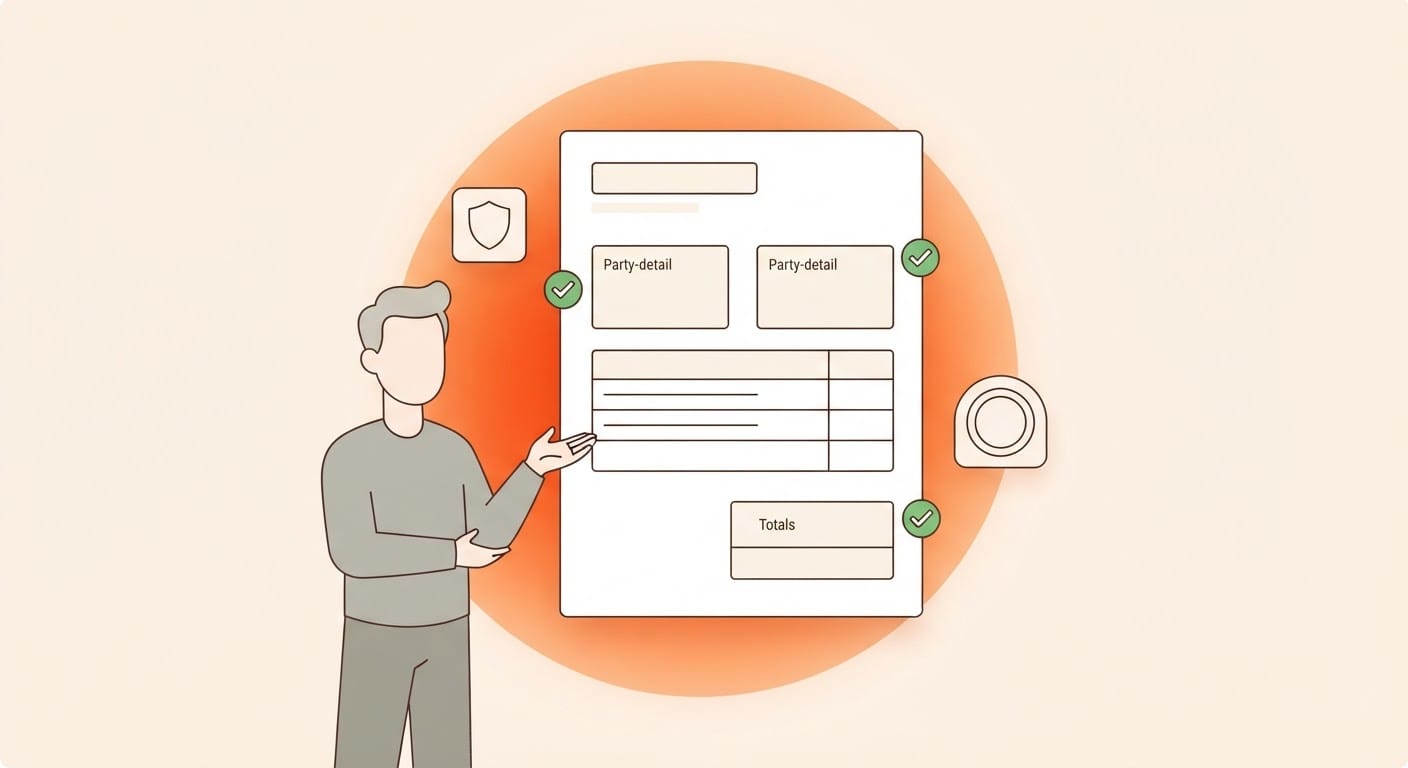
A GST-compliant invoice in India needs the correct supplier and client details, invoice number and date, description of the service, taxable value, applicable SAC or HSN details, place of supply and the correct GST treatment. Getting these fields right when the invoice is created helps prevent errors from carrying into payments, records and GST returns later.
Most freelancers don't discover an invoicing problem while invoicing. They discover it nine months later, when a client's accountant refuses to release a payment, or when the numbers in a return don't reconcile with the numbers in a bank account, and nobody can say which version is real. The invoice is the first place your income becomes a record. Everything downstream, what you think you earned this year, what you can actually show, what eventually goes into a return, inherits whatever the invoice said. Get it right at that point and the rest is arithmetic. Get it wrong and you're reconstructing a year of work from bank statements and memory.
What's actually on a GST tax invoice?
Each field on an invoice has a job. Some identify the transaction, some determine how GST is treated, and some make sure the document can be connected back to the correct client and supply.
| Invoice field | What to check |
|---|---|
| Supplier details | Your legal or trade name and address used for the invoice. |
| Your GSTIN | Your GST registration number where you are GST-registered. |
| Invoice number & date | A unique invoice number from your invoice series and the date the invoice is issued. |
| Client details | The client's name and billing address. |
| Client GSTIN | The client's GSTIN where applicable. Check that you're using the correct registration for the client you're billing. |
| Place of supply | The place where the supply is treated as taking place. This helps determine the applicable GST treatment. |
| Description & SAC/HSN | A clear description of what was supplied, the applicable classification details and the taxable value. |
| Tax | The applicable GST amount and split based on the nature and place of supply. |
| Invoice total | The final amount payable after adding the applicable tax to the taxable value. |
| Signature | Your signature or digital signature on the invoice, where applicable. |
CGST + SGST or IGST: which split applies?
For a standard domestic supply, whether GST is split into CGST and SGST or charged as IGST depends on the location of the supplier and the place of supply.
| Situation | General GST treatment |
|---|---|
| Supplier location and place of supply are in the same state | CGST + SGST generally apply. |
| Supplier location and place of supply are in different states | IGST generally applies. |
| Client is outside India | Export and place-of-supply rules need to be considered separately. A foreign client alone does not determine the final GST treatment. |
| Client is an SEZ unit | Separate zero-rated supply rules may apply. |
The client's address alone does not determine the place of supply in every case. Certain services have specific place-of-supply rules, so unusual cases should be checked separately.
Example: invoicing a client in another state
Supplier: Karnataka
Place of supply: Tamil Nadu
Taxable value: ₹1,00,000
GST rate used in this example: 18%
IGST: ₹18,000
Invoice total: ₹1,18,000
The example shows the tax split for the stated facts and rate. The GST rate applicable to your actual service is a separate question.
Two things that can go wrong quietly
A GSTIN that doesn't hold up
A GSTIN is fifteen characters and is often pasted from an email, message or old invoice. It can be mistyped. It can belong to a registration that has since been cancelled. It can also be the client's registration in a different state from the one you're billing.
A business operating in several states may have separate GST registrations. Those registrations aren't interchangeable simply because they belong to the same business.
Assuming every overseas invoice has the same GST treatment
A client being outside India does not, by itself, determine the final GST treatment of the supply. Export and place-of-supply conditions need to be considered separately.
This invoice guide stops at that distinction. The detailed GST treatment of exports is a separate question and should be assessed before the invoice is issued.
How to create an invoice in Variabl
The idea is that you shouldn't have to hold every invoice rule in your head. You enter the facts about the client and the work, review the invoice, and then issue it once you're comfortable that the details are right.
1. Add the client once, properly
Save the client's billing details so they can be reused across future invoices.
If the client has a GSTIN, make sure the registration you're using corresponds to the client and location you're actually billing.
2. Build the invoice
Add the service description, amount or quantity and rate, applicable SAC details and tax information for the work you're billing.
You can also add notes, terms, payment details and choose how the final invoice is presented.
3. Preview before anything is created
Review the line totals, subtotal, tax treatment, total, client information and place of supply before issuing the invoice.
This is the point to catch a wrong client, state, amount or tax treatment before the invoice becomes final.
4. Save it as a draft
A draft can be changed before the invoice is issued. It doesn't need to consume a final invoice number while you're still working on it.
If you're preparing a quote rather than issuing an invoice, use the appropriate quotation or proforma workflow instead.
5. Issue the invoice
Once you're satisfied with the invoice, issue it and assign the appropriate invoice number from your series.
Variabl can surface checks before issue so potential problems can be reviewed before the invoice is finalised.
6. Send it and record what comes back
Share the invoice with the client and keep the payment connected to the invoice when it arrives.
Part payments can remain linked to the same invoice so the outstanding balance stays visible.
What should you check before issuing an invoice?
Some invoice mistakes are easy to fix while the document is still a draft and considerably more annoying once the client has already received it. Variabl can surface checks before an invoice is issued.
Unusual invoice amount
Example: A client normally billed ₹40,000 is suddenly being billed ₹4,00,000.
The amount may be completely valid, but an unusual change is worth reviewing before the invoice is issued.
GSTIN and place-of-supply mismatch
Example: You're billing a client's Chennai office but the GSTIN on the client record belongs to its Karnataka registration.
Check whether the correct registration is being used for the client and transaction.
Possible duplicate invoice
Example: A recurring invoice has already been generated and another similar invoice is being prepared for the same client and period.
Review the existing invoices before issuing another one.
Overseas or zero-rated treatment needs attention
Example: An invoice to an overseas client is being prepared with zero-rated treatment.
Review whether the applicable conditions and documentation for that treatment are in place before issuing the invoice.
These checks are designed to surface specific invoice risks before issue. They aren't a substitute for determining the correct GST treatment for your particular transaction.
Exports and SEZ invoices need separate attention
Invoices involving overseas clients or SEZ units can require different GST treatment from a standard domestic invoice.
Don't determine that treatment solely from the client's country or address. The relevant conditions and documentation need to support the treatment being used on the invoice.
Once that treatment has been established, keeping the supporting information connected to the invoice makes it much easier to identify which invoices were issued under that treatment during the financial year.
How do you keep your invoice number series clean?
The invoice series is easy to damage without realising it. Three habits make it easier to keep clean:
- Don't use final invoice numbers for unfinished drafts. Keep drafts editable until you're ready to issue the invoice.
- Don't make an issued invoice disappear from the record. If an issued invoice needs to be cancelled or corrected, preserve the audit trail rather than pretending the original document never existed.
- Don't record a payment that didn't happen. Closing, cancelling, writing off and receiving payment are different events and should remain distinguishable.
What about recurring invoices and retainers?
If you bill the same client regularly, a recurring invoice workflow can reduce the need to rebuild the same invoice every month.
Start with the correct client, service and amount, then use that information for future invoices while still reviewing each invoice before it is issued.
If a client needs an invoice earlier than expected, remember that issuing an invoice creates a real document in your invoice series. It shouldn't be used simply to test whether a recurring setup works.
Why does invoice accuracy matter beyond the invoice?
Every invoice you raise correctly becomes a clean record of income: what you earned, who you earned it from, how the supply was treated and how much remains outstanding.
Across a financial year, those invoices become part of the records used for reconciliation and tax compliance. When the underlying invoices are consistent, downstream work becomes much easier. When they aren't, someone eventually has to reconstruct what happened from bank statements, messages and old PDFs.
Raise your next invoice on Variabl
Create the invoice, review the details before issue and keep payments connected to the income they belong to.
Get started freeCommon questions about GST invoices
Do I need to be GST-registered to invoice a client?
You can still issue an invoice for your services if you aren't GST-registered, but you should not charge GST merely because you're issuing an invoice. Whether GST registration is required depends on the applicable registration rules and your circumstances. See our GST for freelancers guide for the broader registration question.
Can I change an invoice after issuing it?
An issued invoice should not be treated like an editable draft. If something material is wrong after issue, the appropriate correction depends on what needs to change and the applicable GST treatment. Preserve the original record rather than silently replacing an issued document.
What if my client is in another country?
A foreign client can create an export scenario, but the client's location alone does not establish the final GST treatment. The applicable export-of-services and place-of-supply conditions need to be considered separately before deciding how GST should appear on the invoice.
Do I need an HSN or SAC code on every invoice?
The classification and disclosure requirements that apply depend on the nature of the supply and the applicable GST invoicing requirements. For services, SAC classifications are commonly used. Check the classification applicable to the service you're actually providing.
How do I know whether to charge CGST and SGST or IGST?
For a standard domestic supply, CGST and SGST generally apply when the supplier location and place of supply are in the same state, while IGST generally applies when they are in different states. Specific place-of-supply rules can change the result for particular services.
Does Variabl file my GST return for me?
GST filing and CA review are separate parts of the Variabl workflow. This guide focuses specifically on creating and reviewing the invoice that sits upstream of those processes.
Related reading: GST for freelancers in India · GST and non-GST invoice formats · How to receive international payments in India · Advance tax for freelancers
General information, not advice on your specific situation.