
Maya, the AI finance assistant for freelancers
Maya handles the small, error-prone jobs behind every invoice - tax splits, sequential numbering, due dates, recurring bills, so you're not checking them twice.
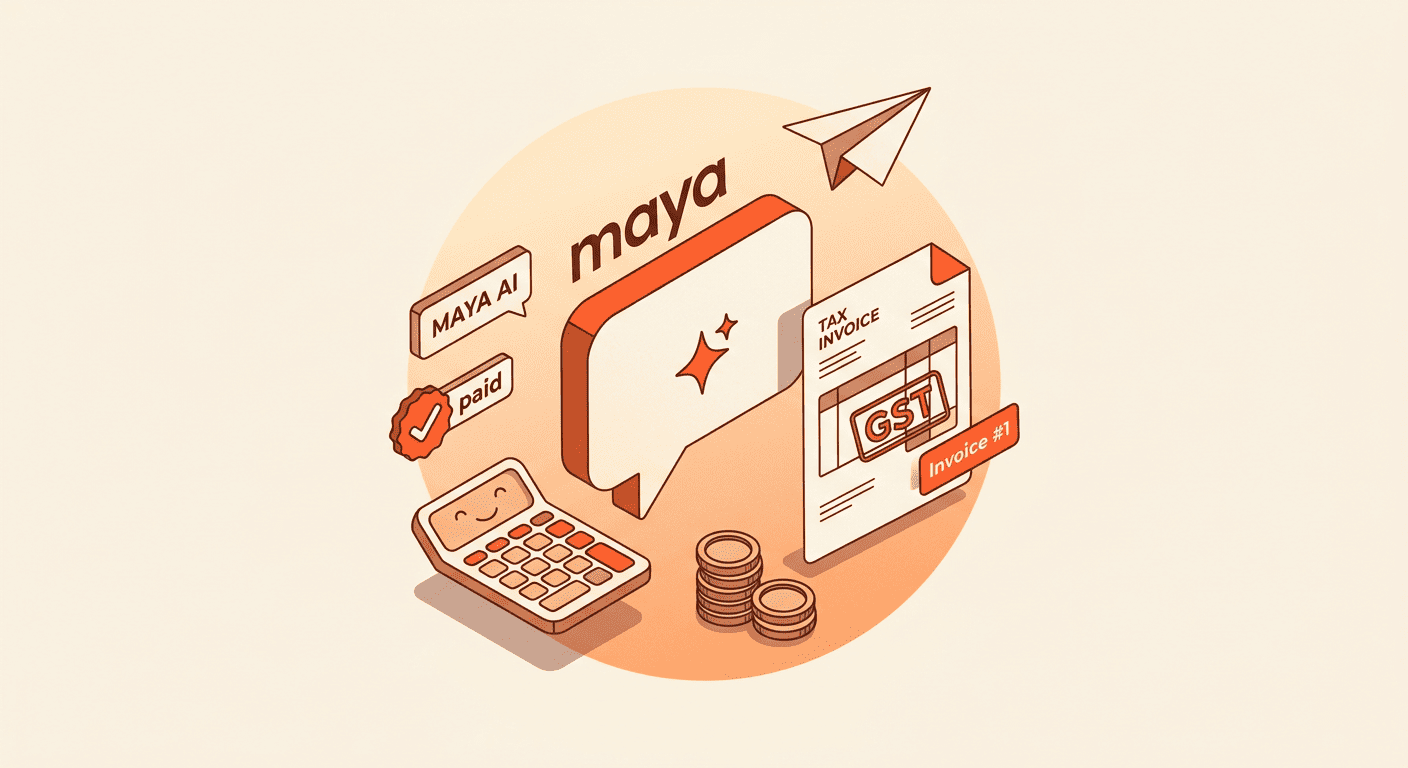
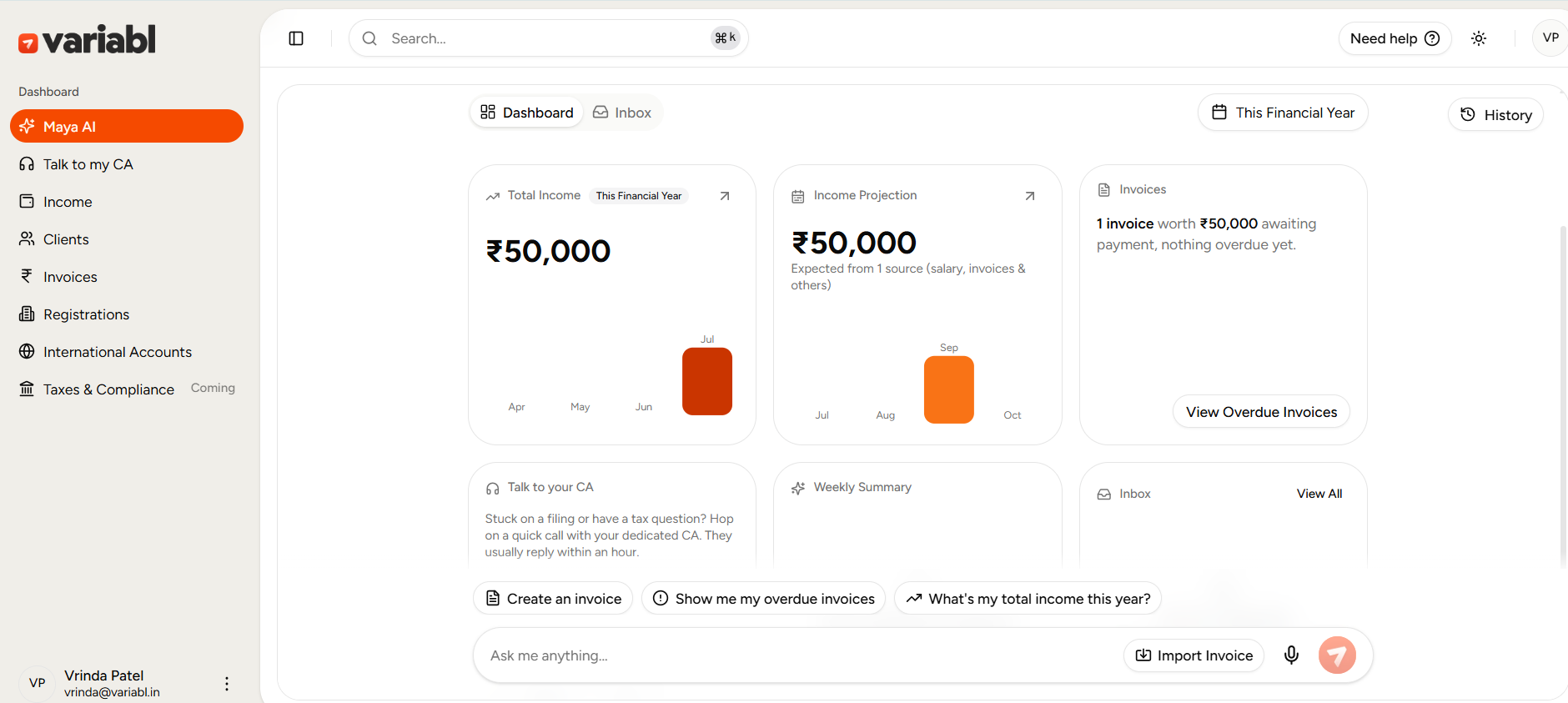
Maya is the AI built into Variabl. It keeps track of your invoices, payments and tax deadlines so you know what you have earned and what you owe, and your dedicated CA checks its work before anything is filed. It automatically handles the ten small, error-prone jobs behind every invoice, calculating the right GST split, numbering invoices in sequence for the correct financial year, setting due dates, adding your payment details and signature, generating recurring invoices, and keeping every status up to date. You describe the work in plain English; Maya builds a correct GST-ready invoice.
Key takeaways
- Maya applies CGST + SGST or IGST automatically, based on your registration and client location.
- Invoices auto-number in the correct FY format (e.g. INV-2526-0001).
- Due dates are set from your payment terms — no manual math.
- Recurring invoices for retainers generated on their own.
- Every status (draft, paid, overdue) stays current, with instant totals.
Why is invoicing such a hassle for Freelancers?
Making an invoice looks like a two-minute job, until you do it properly. Is this CGST plus SGST, or IGST? What number comes next, and does it reset for the new financial year? What's the due date on Net 15 terms? Did you add your payment details? Your signature?
Get one wrong and it's an awkward follow-up, a compliance flag, or a client who "never got clear payment instructions." Now multiply that by every client, every month. The invoice was never the hard part. The details around it were.
What Does Maya do for you automatically?
Ten small jobs you shouldn't have to think about, grouped by what they do for you.
Correct by default :
- GST, calculated right : applies CGST + SGST or IGST based on your registration and your client's location.
- Financial-year-correct numbering : invoices number themselves in sequence, in the right FY format (INV-2526-0001).
- Automated due dates : set your terms once; Maya dates every invoice from them
Filled in for you :
- Client addresses on file : stored once, dropped into every invoice.
- Your payment details : bank and UPI added, so clients know exactly how to pay.
- Your signature : added automatically if it's on file.
- Notes & terms : add custom notes or T&Cs whenever a job needs them
On autopilot :
- Recurring invoices : retainers and subscriptions generated on schedule, on their own.
Always current :
- Status tracking : draft, issued, paid, overdue - every invoice's state stays live.
- Quick overviews : instant totals for invoiced, paid, pending and overdue.
How do you create an invoice with Maya?
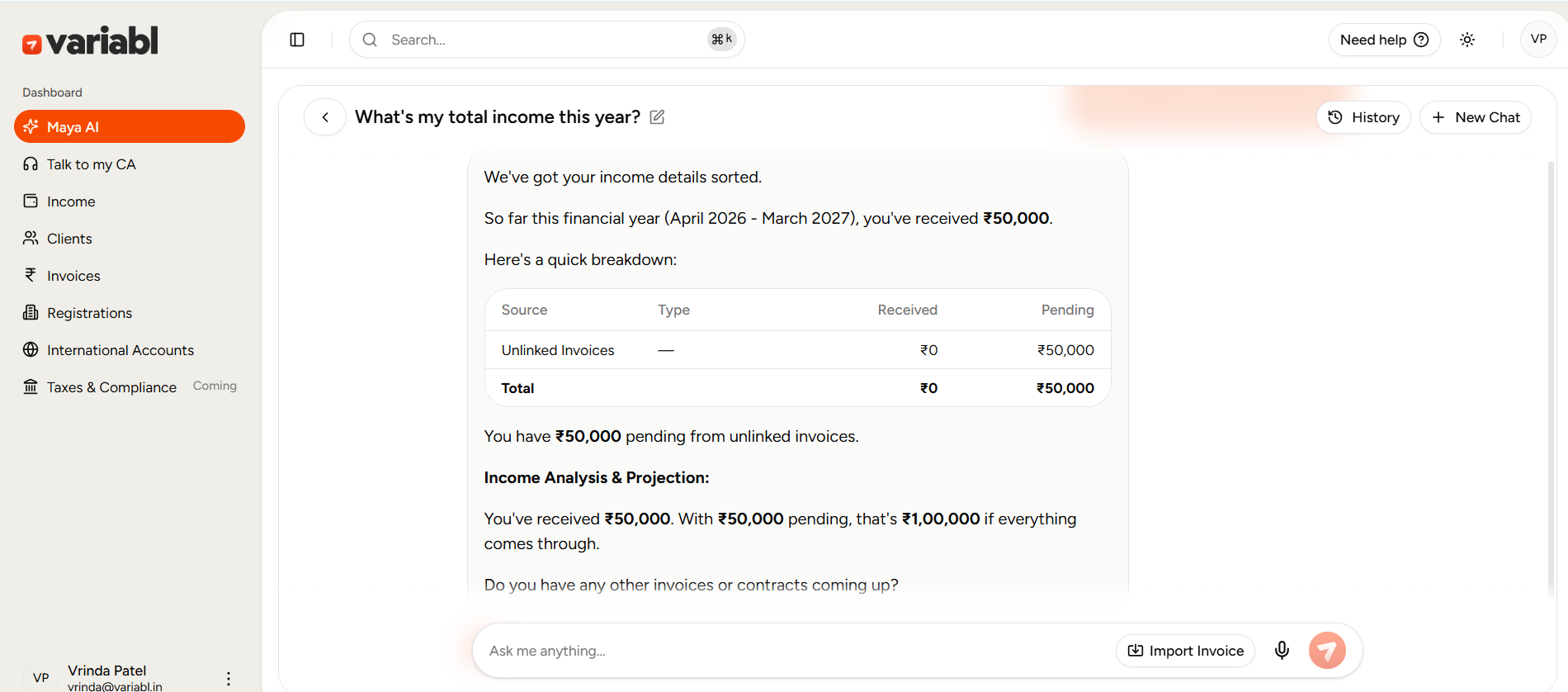
You don't fill in a form. You tell Maya: "Invoice Acme Corp - UI/UX design, ₹50,000." It builds the invoice with the right GST, the next number, the due date, the address, your payment details and signature already in place, then hands it back to send by email, link or download.
You checked one thing: that it's correct. Maya did the other ten.
(Show: the "Your invoice is ready" step → choosing Email / link / Download. File: maya-send-invoice-options.mp4 · muted auto-play loop · Alt: "Sending a Variabl invoice by email, link or download")
Does Variabl Calculate GST correctly?
For standard supplies, yes, Maya applies CGST + SGST or IGST based on your GST registration and your client's location, so the split is set without you working out the place of supply by hand. Export and special cases are reviewed with your dedicated CA.
Can I track invoice status and totals?
Yes. Maya keeps every invoice's status current - draft, issued, paid, overdue and shows instant totals for what you've invoiced, been paid, and what's pending or overdue. You always know where things stand without adding anything up.
Frequently Asked Questions - FAQs
Does Variabl Calculate GST automatically on Invoices?
Yes, for standard supplies, Maya applies CGST + IGST or SGST based on your GST registration and your client's location. Export and other special cases are reviewed with your dedicated CA. Get a dedicated Real CA on Variabl.
Does Variabl set invoice due dates automatically?
Yes. Set your payment terms once and Maya dates each invoice from them.
Do I have to add address, payment details and signature every time?
No. They're stored once and added to every invoice automatically. You can also add custom notes or terms when a job needs them.
Does Variabl number Invoices automatically?
Yes, sequentially in the correct financial year format (e.g. INV-2426-0001), so numbering stays consistent and audit-ready.
Can I setup recurring Invoices?
Yes, invoices can generally automatically at set intervals. Ideal for retainers and subscriptions.