
Variabl Invoicing: Create, Send & Track Invoices
Invoiced, paid, pending and overdue as live totals, plus who owes you what and since when, without opening a single spreadsheet.
What's invoiced, what's paid, what's overdue, and who owes you what without opening a single spreadsheet.
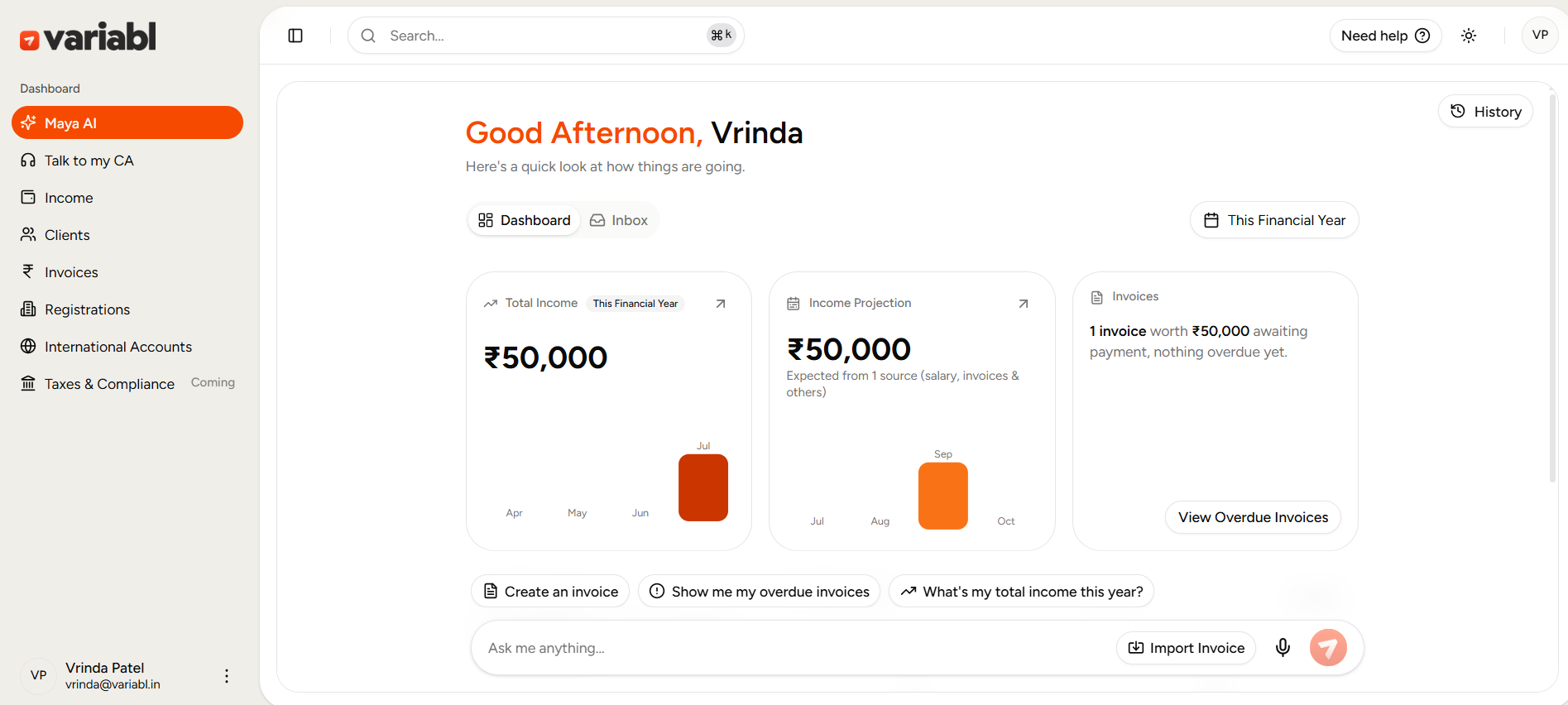
The Variabl invoicing dashboard shows every invoice you've sent with live totals for invoiced, paid, pending and overdue, in one list. Open any invoice to see its full payment progress, record a payment against it, or send a reminder. Nothing needs a spreadsheet to reconcile, because the dashboard already knows.
Why does invoice tracking fall apart on a spreadsheet?
You send an invoice. A client pays half of it three weeks late, by a method you have to remember to note down. Another pays in full, but you forget to mark it. A third is quietly 12 days overdue and nobody noticed until they asked about it.
None of this is because you're dis-organized, it's because tracking payments by hand means updating the same information in two places (the invoice, and your record of it) every single time money moves. Miss one update and your numbers are wrong the next time you need them, at tax time, at a glance, or when a client asks "did I pay that?"
What does the invoicing dashboard show you?
Open Invoices and four numbers are waiting for you before you do anything else:
- Total Invoiced - everything billed, this financial year.
- Paid - what's actually landed, with the percentage of total invoiced.
- Pending - what's issued but not yet paid
- Overdue - what's gone past its due date, flagged in red.
Below that, every invoice in one table invoice number, client, dates, a payment-progress bar, status, income type and amount - filterable by status or type, searchable by invoice number or client name.
What do you see inside a single invoice?
Tap any row and you're inside that invoice's full picture: payment progress as both a bar and a number (e.g. 85% - ₹50,000 of ₹59,000), the outstanding amount, the due date, and whether it's overdue and by how many days. A Transactions tab lists every payment received against it - date, amount, method. A Timeline tab shows the invoice's history end to end.
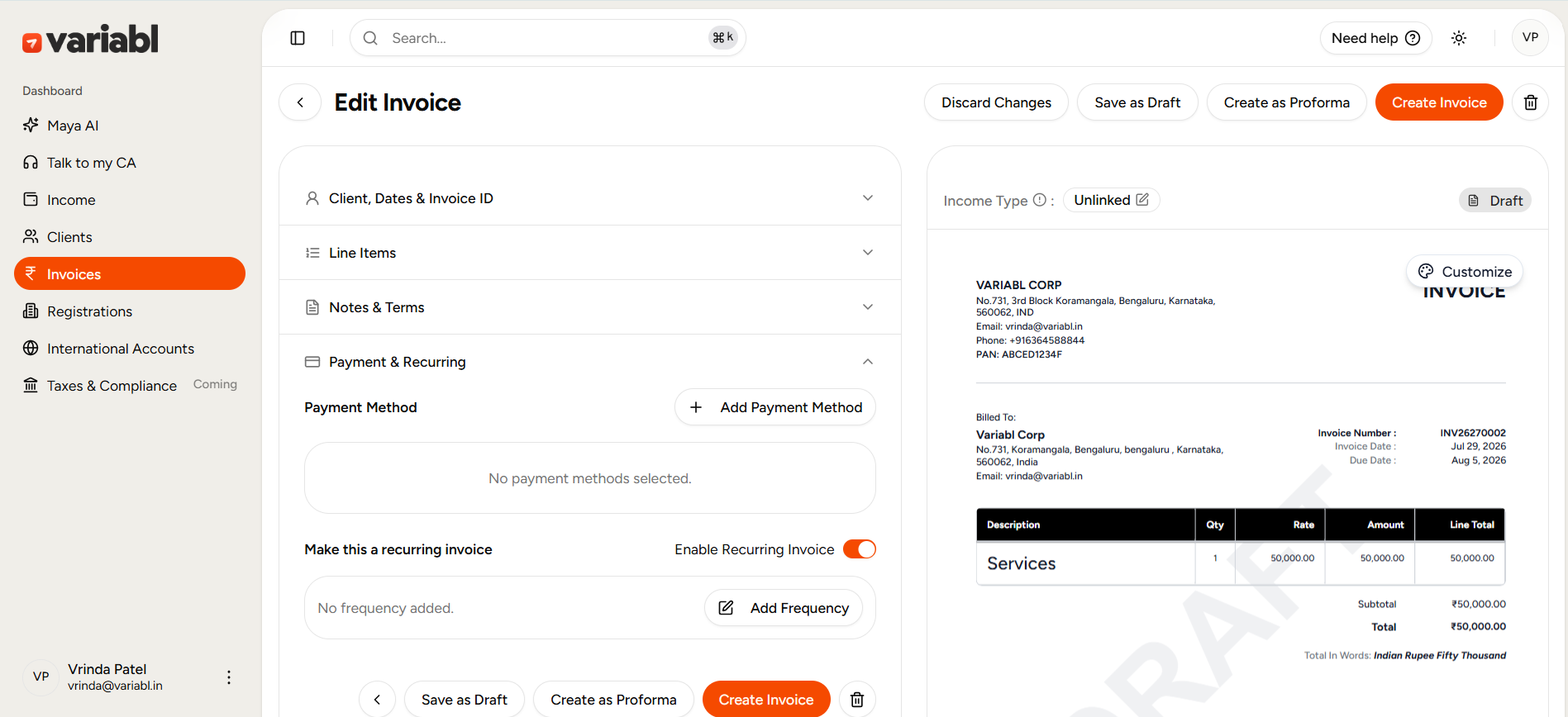
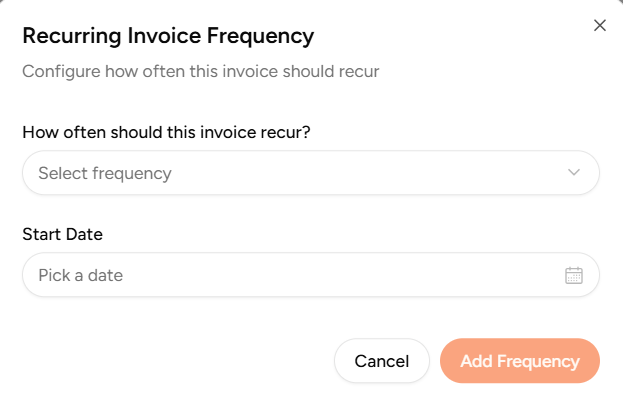
From here you can record a payment, send a reminder, mark the invoice recurring, edit it, download it, or share it without leaving the page.
How do you record a payment?
Tap Record Payment, enter the amount and method (bank transfer, UPI, cash), and the invoice updates immediately - progress bar, outstanding amount, and status, all in one move. Partial payments are supported natively: pay ₹20,000 today and ₹30,000 next week, and the dashboard tracks both against the same invoice without you doing any subtraction yourself.
How does overdue tracking work?
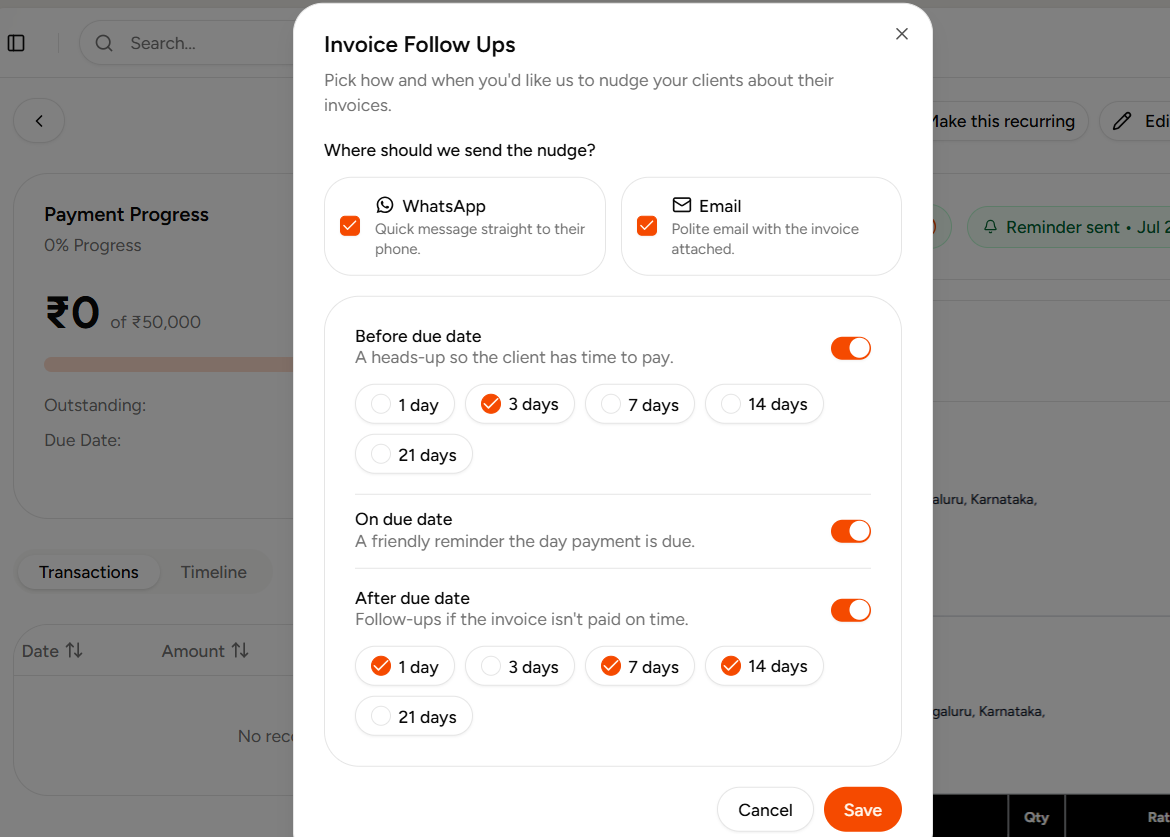
You don't set reminders for this yourself. The moment an invoice's due date passes without full payment, it's automatically flagged - "Overdue by 7 days," for instance, both on that invoice and in the dashboard's overall Overdue total. You can turn on auto follow-ups per invoice so a reminder goes out without you having to remember to send one.
Variabl Dashboard vs spreadsheet
| The job | Spreadsheet | Invoicing dashboard |
|---|---|---|
| Knowing what's paid vs pending | Cross-check bank statement manually | Live totals, always current |
| Partial payments | Track two entries and subtract by hand | Progress bar, auto-calculated |
| Spotting overdue invoices | Remember due dates yourself | Flagged automatically |
| Finding one client's invoice | Ctrl+F and hope it's labelled right | Search & filter instantly |
| Sending a reminder | Manually draft and send | Auto follow-ups, optional per invoice |
The dashboard isn't a prettier spreadsheet, it's the same information a spreadsheet holds, except it updates itself the moment something happens, instead of waiting for you to update it.
Frequently Asked Questions - FAQs
Can I see all my paid, pending and overdue invoices in one place?
Yes. The invoicing dashboard shows live totals for invoiced, paid, pending and overdue amounts, with every individual invoice listed and filterable by status.
Does Variabl track partial payments on an invoice?
Yes. You can record multiple payments against a single invoice, by different methods, and the dashboard tracks the running progress automatically.
Are overdue invoices flagged automatically?
Yes. Once an invoice's due date passes without full payment, it's flagged as overdue on both the invoice and the dashboard total, with an option to turn on automatic follow-up reminders.
Can I search or filter my invoices by client or status?
Yes. The invoice list can be searched by invoice number or client name, and filtered by status or income type.
What can I see inside a single invoice?
Payment progress, outstanding amount, due date and overdue status, a transaction history of every payment recorded against it, and a full timeline, plus options to record a payment, send a reminder, or edit and share the invoice.